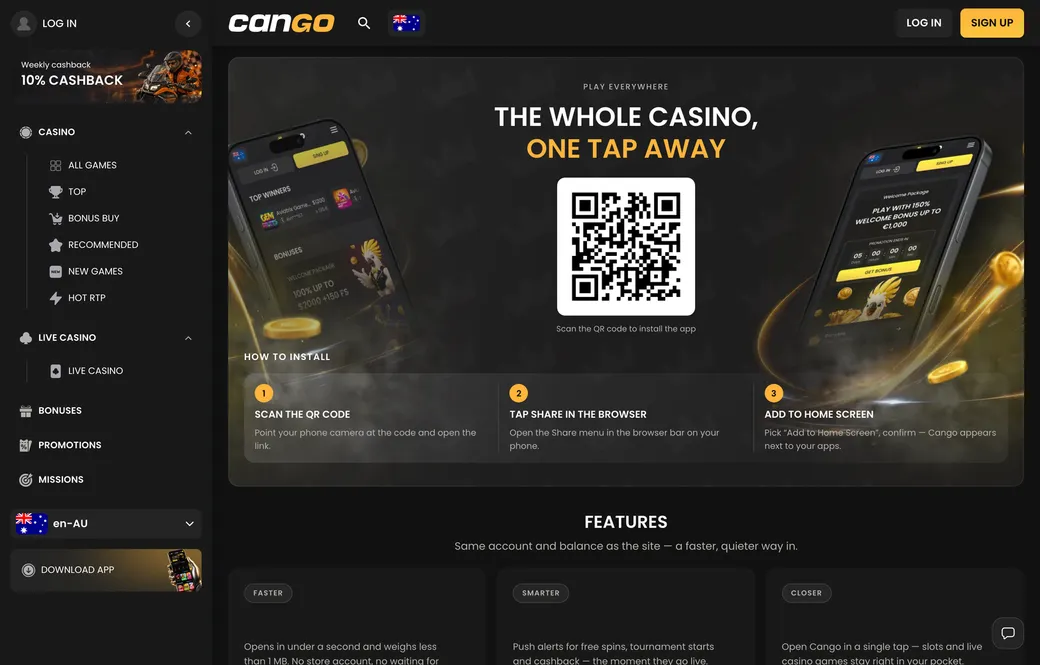

Cango casino app: the install overview
| Device | Steps | What you need |
|---|---|---|
| iPhone | Safari -> Share -> Add to Home Screen | Safari browser, active internet |
| Android | Chrome menu -> Add to Home screen / Install app | Chrome browser, active internet |
| Desktop | Browser settings -> Create shortcut | Standard browser, active internet |
Accessing the Cango casino app requires no visit to an app store. This casino uses PWA (Progressive Web App) technology, which allows you to place a shortcut directly on your device’s home screen. This approach provides a stable, streamlined experience without the need for large downloads or software updates. Once installed, the app behaves similarly to a native application, occupying minimal space while offering full access to your account and the game library.
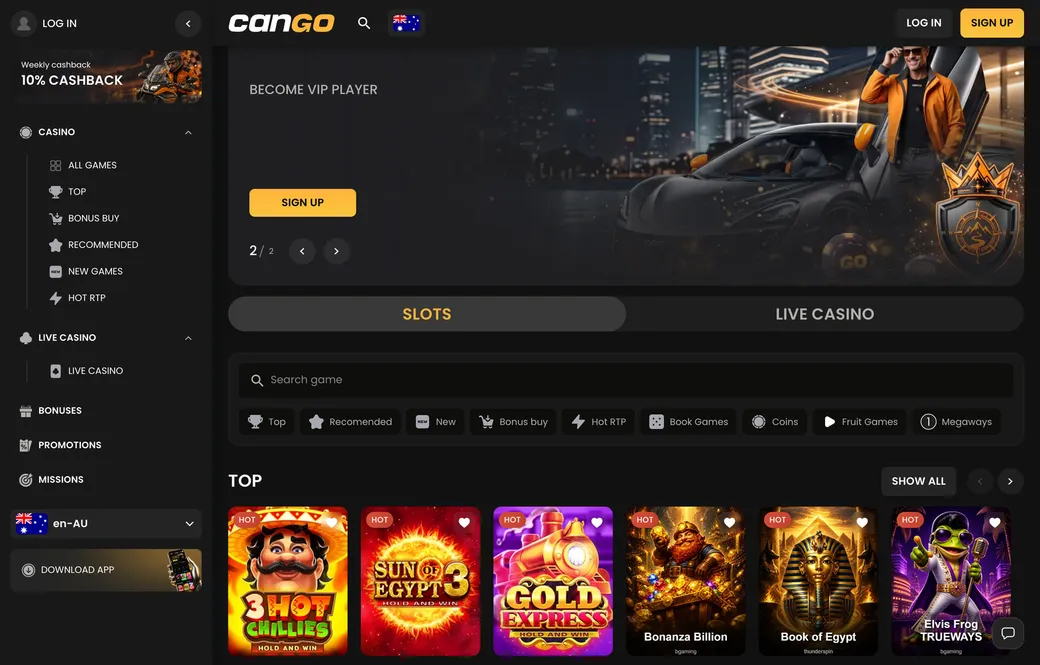
For New Zealand players, this mobile solution is the primary way to access the casino on the move. The platform is designed to be fully responsive, meaning the interface adapts automatically to the screen size of your smartphone or tablet. Whether you prefer spinning the reels on the latest pokies or taking a seat at a live dealer table, the layout remains logical and easy to operate. You will find that the cashier, game categories, and promotional sections are accessible with just a few taps, keeping your focus on the gameplay rather than menu navigation.